How to Download Facebook Videos to MP4 Online for Free?
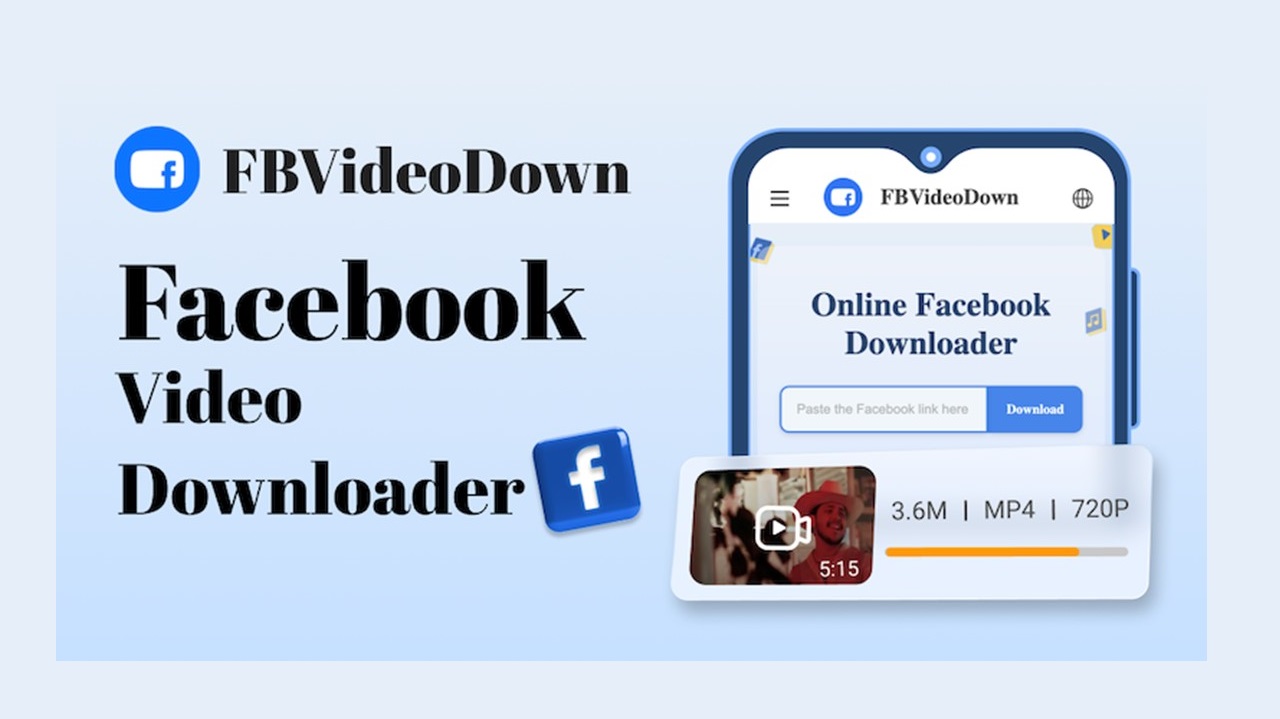
Exploring Facebook has become one of our habits now. However, once you’ve found an interesting video, you might be confused on how to download it. Currently, there are indeed a lot of Facebook video downloader available on the internet. And yet, we have tried most of them and it turns out it does not work as it promised. There is only one hidden gem that works pretty easy and simple, which we highly recommend for you. The name of this platform is FBVideoDown, and we will learn more about it in this article.
Read thoroughly as we’ve written it based on our personal experience.
What is FBVideoDown Facebook Downloader?
Briefly introduced, FBVideoDown is an online tool to download any content from Facebook, which is usually called as Facebook downloader. The content that can be downloaded is not only limited to video posting, but it can also save Facebook stories and reels.
With FBVideoDown, you can convert Facebook video to MP4. The video will be automatically saved on the highest quality (HD quality) or in the original quality. However, depending on your video, it might also provide several choices to download them, whether it is in SD or HD quality.
Moreover, it allows you to download private Facebook videos. Private videos on Facebook are the videos that are set in private mode by the owner and only certain people can watch them. This type of videos is definitely unsavable in the FB app, but FBVideoDown can help you with it. (However, you still have to ask for the owner’s permission if you’re saving it for commercial use)
Also, do not worry about its safety as FBVideoDown:
- Carries not advertisement at all
- Protected with secured software company, thus, no viruses or malware will attack your device
- Request no personal information, e.g., email or phone number
- Equipped with a fast server, thus, download any content from FB in a matter of seconds.
- And many more.
Experience it now, and you will find out how useful FBVideoDown is.
Tutorial on Downloading Facebook Videos with FBVideoDown
Here is how you can download Facebook content with FBVideoDown. It has a very simple user-interface and thus, you will not be confused while operating it.
Step 1: Find any content from Facebook app
Firstly, explore your Facebook application to find any content (i.e. video, story, and reel) to download.
Step 2: Copy the content’s link
On the post that you like, tap on the Share icon (or the three-dots icon) located on the upper right corner and find the Copy Link menu.
Step 3: Go to fbvideodown.com
Open your device’s browser and go to FBVideoDown’s official website.
- If you’re an iPhone user, use Safari to browse the website.
Step 4: Paste the link on your website
Within the website, paste the link in the white box (or the search box) and tap on the Download button.
Step 5: Select the format and download
On this page, a video preview and several formats followed by a blue download button will appear. Watch the preview video, select the format, then tap on the download button again. Wait for a moment and the site will soon process your content.
FAQs
1. Is it legal to download video from Facebook?
As long as you’re downloading it for personal use, downloading video, story, or reel from Facebook is not a problem. However, if you’re planning to use it for commercial use, please make sure that you’ve granted the permission from the owner to use it.
2. Where can I find the downloaded content?
If you’re an iPhone user, simply go to your Gallery to find the downloaded video; Or else, if you’re an Android user, you can find it on both Gallery and the Download file.
Conclusion:
With the existence of FBVideoDown, downloading Facebook video to MP4 is a piece of cake. It is a free tool without limitation.
Share your experience with your friends and family, as we’re sure they are going to love it just like you do!
PTA Taxes Portal
Find PTA Taxes on All Phones on a Single Page using the PhoneWorld PTA Taxes Portal
Explore NowFollow us on Google News!